The Platform Engineer’s Guide to Enterprise AI Coding Tools
Compare Aviator, Cursor, GitHub Copilot, and Tabnine to find the right fit for your team's workflow and scale.


AI coding tools have moved beyond individual developers’ laptops to the organization level itself, which means they’re part of the infrastructure now. And like all parts of the infrastructure, they need ownership and governance. Well, this sounds like the perfect job for platform engineers!
Platform engineers are already responsible for the systems that define how software gets built: the pipelines, developer environments, tooling, and the path code takes to reach production in a stable manner.
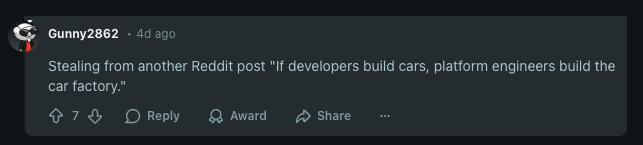
Reddit comment
This stability is particularly important. The impact of a rogue AI tool on an individual’s laptop can introduce issues that may wreak havoc across the organization, and managing that kind of risk is exactly what platform engineers are meant to do.
Their job goes beyond just picking a tool. They also need to make sure it’s properly evaluated, rolled out thoughtfully, and governed in a way that actually scales. With a mindset focused on enabling others and a knack for systematic thinking, they are just the right fit for this job.
Enabling Adoption for the Team (hint: it’s Tech and Culture)
Picking a tool is the easy part. Adoption is where things get tricky, since it’s as much a cultural challenge as it’s a technical one. After all, you’ll be dealing with change management, trust building, and helping people shift their habits.
You need to be patient during the onboarding process. That means rolling things out carefully and learning on the go. What you learn should lead to changes, so those changes have to be governed and fed back into the user base. This is often done by the ambassadors of the tool or other employees who have adopted it easily.
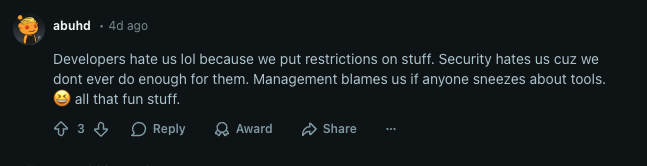
Reddit comment
Great (and Realistic) Expectations
Regardless of what the marketing tells you, you should not expect a 10x output out of the gate. While it is achievable, it would be the result of gradual improvements, not the starting point. Instead of wondering if your organization has reached this stage yet, you should be asking whether the net value is positive.
Keep in mind that AI tools cannot serve as a replacement for humans. They simply don’t have the expertise necessary to fill in architectural gaps or navigate the deep contextual awareness of code and the organization. The areas where AI tools shine and can actually make a difference include handling boilerplating and scaffolding, creating Runbooks, and automating repetitive patterns where developers experience friction.
Enterprise AI Coding Tools Comparison: Aviator, Cursor, GitHub Copilot, and Tabnine
There are many tools available, and they are all used for different purposes. Aviator operates on the workflow and repository level: the platform layer, that is. Tools like Cursor, Tabnine, and GitHub Copilot mostly live in the developers’ IDE.
Aviator
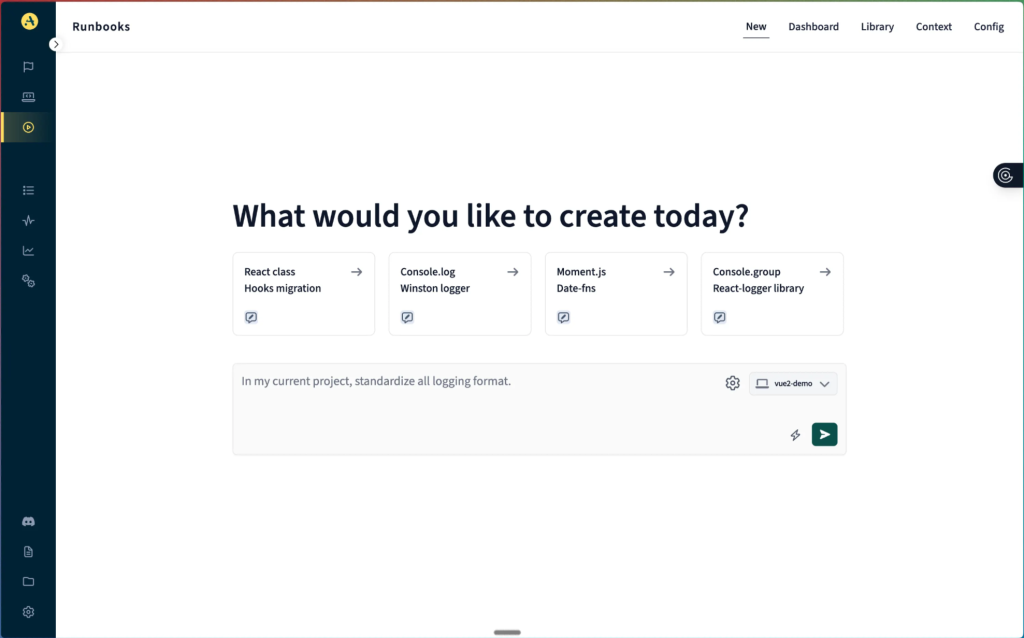
Aviator interface
Aviator is designed specifically for platform engineering workflows and challenges, rather than for individual developer tooling. It operates and integrates with the code repository, extending the existing project tools and improving tasks with contextual knowledge that spans the whole codebase. Its focus on the platform and workflow level makes it an ideal tool for platform engineers.
- Security and compliance: Aviator operates within your repository permissions and access model. It respects the boundaries you define.
- Codebase intelligence: The tool builds context from your actual codebase and history. This means that generated Runbooks and suggestions are built upon the knowledge specific to your projects.
- Workflow and integration: Since Aviator operates at the repository and CI/CD layer, it integrates exactly where the platform engineers’ responsibility lies. It supports workflows instead of individual contributions.
Best for: platform-level managing of standards and Runbooks
Cursor
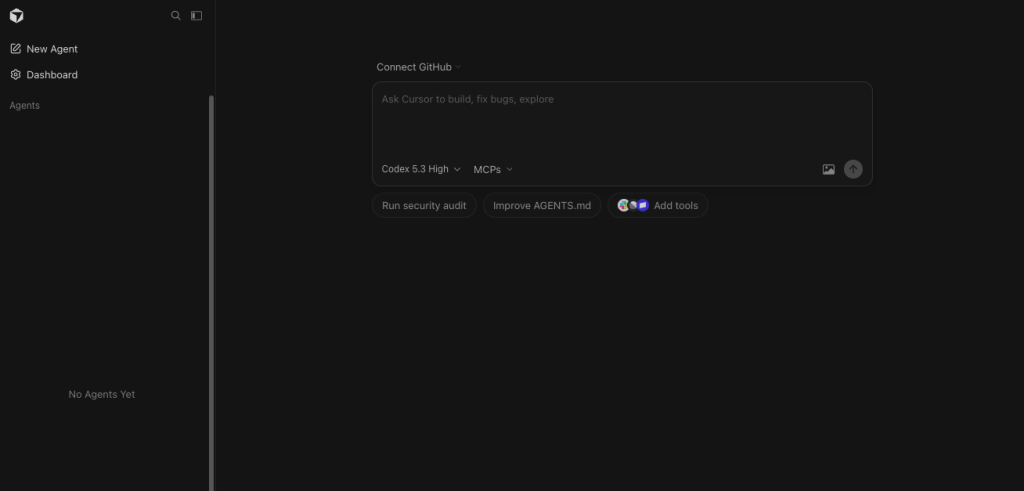
Cursor interface
Cursor exists on the other end of the spectrum, closest to the individual developer’s layer, the IDE. It indexes opened projects and creates a context from that perspective, supporting file awareness and refactoring across the workspace. It’s very well suited for complex, iterative coding or debugging tasks on an individual level. Through specific instructions (such as “agent.md” files), a standard can be defined and reused across codebases.
- Security and compliance: Cursor offers control over sharing sensitive data for training through support for the privacy mode.
- Codebase intelligence: By indexing your projects’ files, Cursor builds awareness within that project. The project also defines the borders of the context, which means its awareness of other projects is very limited.
- Workflow and integration: You can use specific agent instructions to define and share the standardized way of working. The
.cursorrulesfile applies your preferences to any interaction. This is a low-friction approach that teams can use to maintain and update standards. It leans more into supporting individual contributions, particularly because of the integration into the IDE. This, combined with the powerful context model, is what makes Cursor so effective.
Best for: individual developer productivity
GitHub Copilot
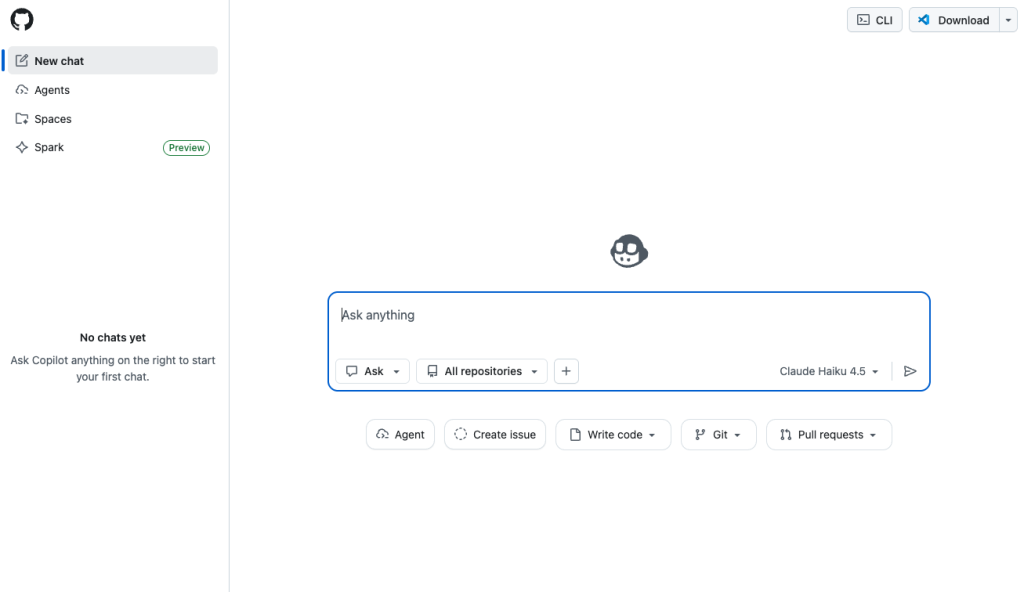
GitHub Copilot interface
This solution provides the best integration with the environment for teams that are already on GitHub. It sits between platform-level integration and individual levels, offering capabilities across both. Codebase Intelligence is its weak spot, though. It relies on generic model training, and while the Enterprise package does offer repository scanning and indexing, it lacks a deep understanding of domain-specific contexts.
- Security and compliance: Depending on the tier, Copilot offers levels of control over the transmission and retention of data. As for specific compliance regulations, it’s worth investigating what needs are covered.
- Codebase intelligence: Again, based on the tier, some level of indexing repositories is supported, but generally speaking, the suggestions appear to be closer to generic solutions rather than domain-specific.
- Workflow and integration: If you’re already on GitHub, integration is a breeze. It offers both repository level suggestions as well as IDE integrations. However, this ease of use is limited to Microsoft products only. Plus, while IDEs can connect to models with ease, the deep integration on repository level is lacking.
Best for: teams invested in the Microsoft ecosystem and at the start of their AI strategy
Tabnine
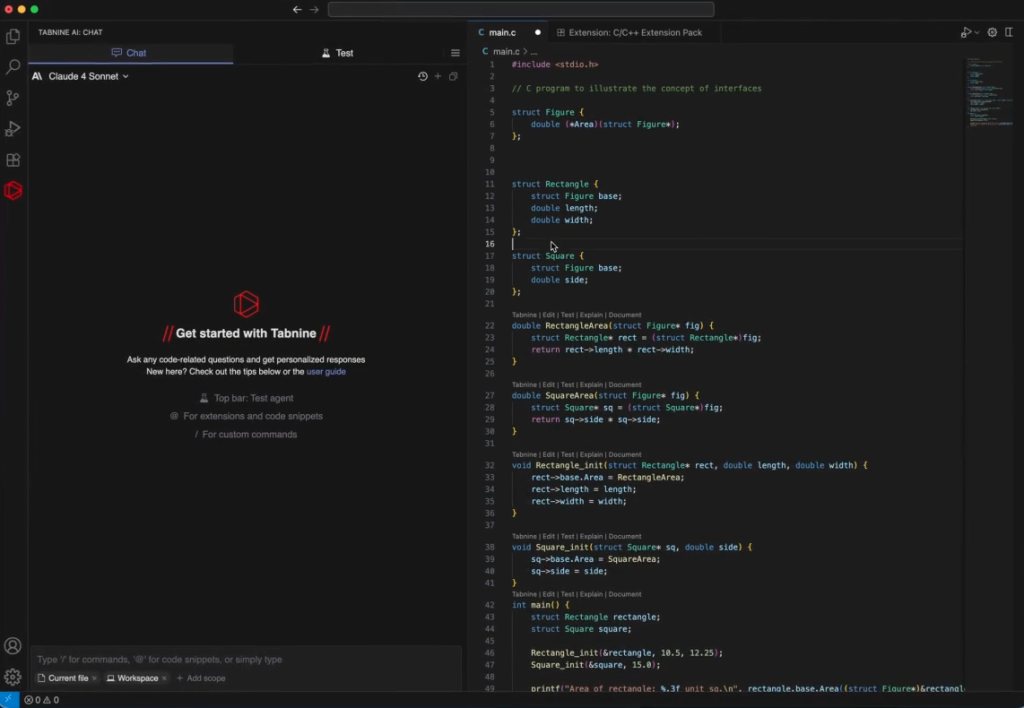
Tabnine interface
The unique selling point of Tabnine is that it promises to adapt to your specific domain. As a continuously evolving organizational intelligence layer, its Enterprise Context Engine provides a structured understanding of the context. While Tabnine does train on your codebase, it doesn’t store your code. In fact, after suggestions have been generated, the code used is discarded. Such an approach enables iterative improvements while keeping your code safe.
- Security and compliance: This is the part where Tabnine outshines other solutions on our list, due to its default no-code-retention model policy. It also supports self-hosting, which means that no code ever leaves your own platform.
- Codebase intelligence: The Enterprise Context Engine is designed to specifically train on your domain, which improves in accuracy over time.
- Workflow and integration: Just like Cursor, Tabnine focuses on improving individual contributions through IDE integration. Similar tactics of sharing and collaboratively improving agent instructions help standardize the workflow. Its headless mode integrates with CI/CD pipelines on various platforms.
Best for: organizations concerned with data security and specific domain context
Comparison Table
| Aviator | Cursor | GitHub Copilot | Tabnine | |
|---|---|---|---|---|
| Layer | Repository | IDE | IDE & repository | IDE |
| Codebase Intelligence | High | High | Medium | High |
| Security / No code retention | Default | Privacy mode | Enterprise tier | Default |
| Self hosted (option) | No | No | No | Yes |
| CI/CD Integration | Yes | No | Yes | Yes |
| Domain intelligence | Yes | Workspace limited | Limited | Yes |
Picking the Right Tool for the Right Layer
There isn’t a single tool that can cover the entire workflow from individual contributions to enterprise-level codebase deployment. For example, GitHub Copilot aims to cover the entire range, but it falls a bit short in execution; plus, it ties you to Microsoft as your primary vendor.
The best strategy would be to pair Aviator with an IDE tool. This approach addresses the platform needs at scale while speeding up individual contributions at the same time. Additionally, there’s no vendor lock-in, and separate parts can be evaluated and adapted to your organization’s needs when necessary.
Frequently Asked Questions
What can platform engineers do to ensure AI tools are used?
One of the common reasons why an AI tool hasn’t been adopted among engineers is that it doesn’t fit well with the existing workflow. Context switching is deadly, and if developers have to constantly leave their productivity zone to use a tool, they will simply refrain from using it.
A platform engineer should start a pilot project that tackles an existing pain point. From there, it’s important to identify potential friction points early and measure the impact the tool makes.
How can platform engineers make a business case for AI tooling investment?
Platform engineers should not fall for the “10x productivity” promise. Not only is it hard to measure, but it also depends heavily on the context the AI tool has built (or has access to). Instead, they should focus on areas where the tool can address real problems, such as surfacing standards, reducing development friction, managing tech debt, and improving documentation.
Should platform engineers standardize one tool or let the team decide?
A practical middle ground is to apply standardization where platform engineers operate; basically, where individual contributions are added to a repository, system, or platform. At this level, standardization creates organizational value, and that’s exactly what Aviator was built for. It’s meant to enforce standards, share workflows and Runbooks that continuously improve, and ensure the quality of AI-assisted output. At the same time, individual productivity benefits from flexibility and autonomy.
You should let teams or individuals decide how to work on the IDE level and focus on standardization where teams meet.
How can I measure success of AI coding assistants?
This depends on how you define success. In general, though, the impact of these AI tools can be measured through the improvements of repetitive work. A shorter review process is measurable in time. Onboarding should take less, as well, and the effort and time it takes for maintenance tasks should decrease.
Apart from the quantitative metrics, you can measure developer happiness or NPS scoring. You can compare pilot groups with non-pilot groups for these purposes.